
 English
  Русский
  Uzbek
Uzbek  Karakalpak
 .svg) Uzbek (Cyrillic)
Uzbek (Cyrillic) Pay by QR code
Scan the QR code at stores, markets, cafes or pharmacies and pay instantly.
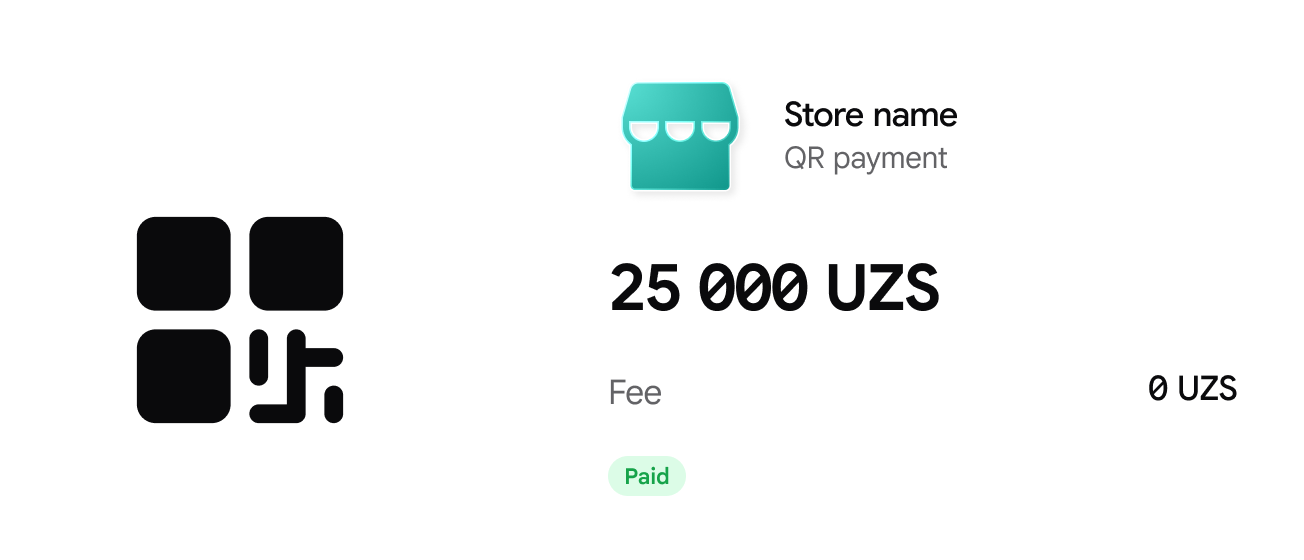

No fee
You pay no fee for QR payments.

No card, no cash
You don't need a plastic card or cash.

Instant payment
The payment goes through instantly and appears in your transaction history.
Where you can pay by QR
 Stores
 Markets
 Cafes
Cafes
 Pharmacies
How does QR work?
Open the QR scanner
Open the Baraka app and tap the QR Scanner button on the main screen.
Scan the QR code
Point your camera at the QR code at the checkout.
Enter the amount
Enter the purchase amount, or scan the QR code the seller made for you.
Check the details
Check the store name and the payment amount on the screen.
Confirm
Tap the confirm button.
Done
The payment goes through instantly and appears in your transaction history.
QR codes in the Baraka app
Other QR codes will also be added soon.
Using QR codes
Look for the payment QR logo or ask the cashier.
Clean the camera lens, check your internet connection and make sure you have enough money on your card.
