
 English
  Русский
  Uzbek
Uzbek  Karakalpak
 .svg) Uzbek (Cyrillic)
Uzbek (Cyrillic) Baraka app
Your official documents in the Baraka app
Passport, driving licence, marriage certificate, diplomas and more. Add them to the Baraka app once and show them from your phone.
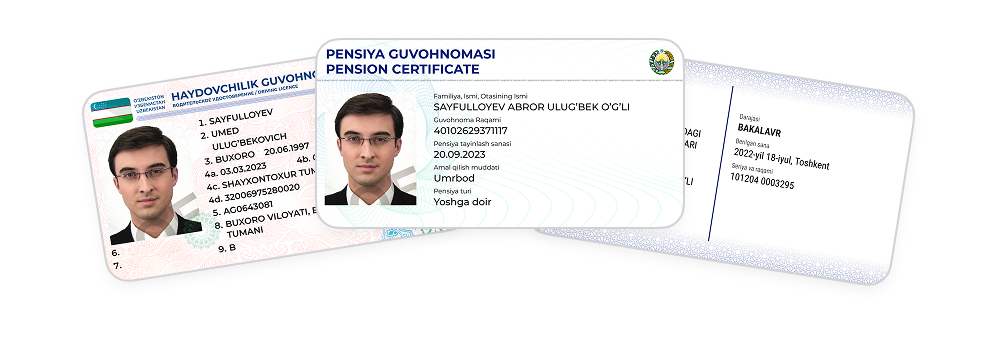
Show them instead of paper
Show the digital documents from your Baraka app at:
 Banks
Banks
 Notary offices
 Airport check-in for domestic flights
 Railway stations and Public Services Centres
Official digital documents in your app
Your Baraka app connects securely to the national registries and shows:
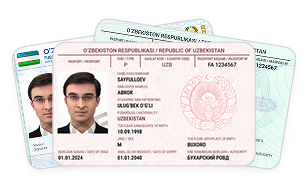
Identity
- Biometric passport of a citizen of Uzbekistan
- ID card of a citizen of Uzbekistan
- Residence permit for stateless persons (incl. ID card)
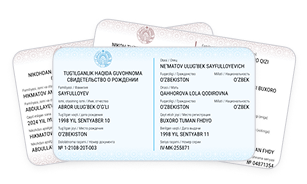
Family
- Birth certificate
- Marriage certificate
- Divorce certificate
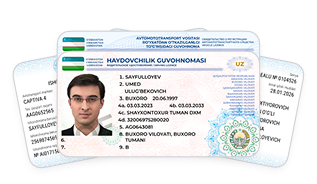
Vehicle
- Driving licence
- Vehicle registration certificate (technical passport)
- Compulsory motor insurance policy (OSAGO)
- Power of attorney to drive a vehicle
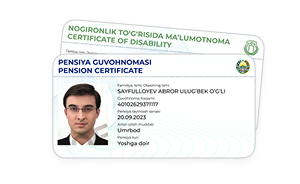
Social
- Pension / allowance certificate
- Disability certificate
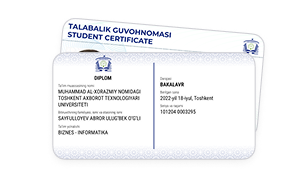
Education
- State diplomas (higher, secondary specialised, vocational)
- Student ID
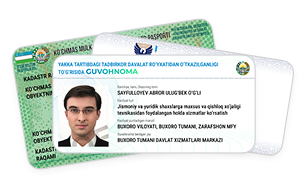
Business and property
- Individual entrepreneur registration certificate
- Self-employed registration certificate
- Cadastral passport for housing
How to show a digital document
1
Open "Documents"
In the Baraka app, open the "Documents" section.
2
Tap "Add document"
Choose the document you need. You only add it once.
3
Show it
Open the document and show your phone screen.
