
 English
  Русский
  Uzbek
Uzbek  Karakalpak
 .svg) Uzbek (Cyrillic)
Uzbek (Cyrillic) Social ID
Your personal number in the social protection system. Show it instead of paper certificates to confirm your social category.
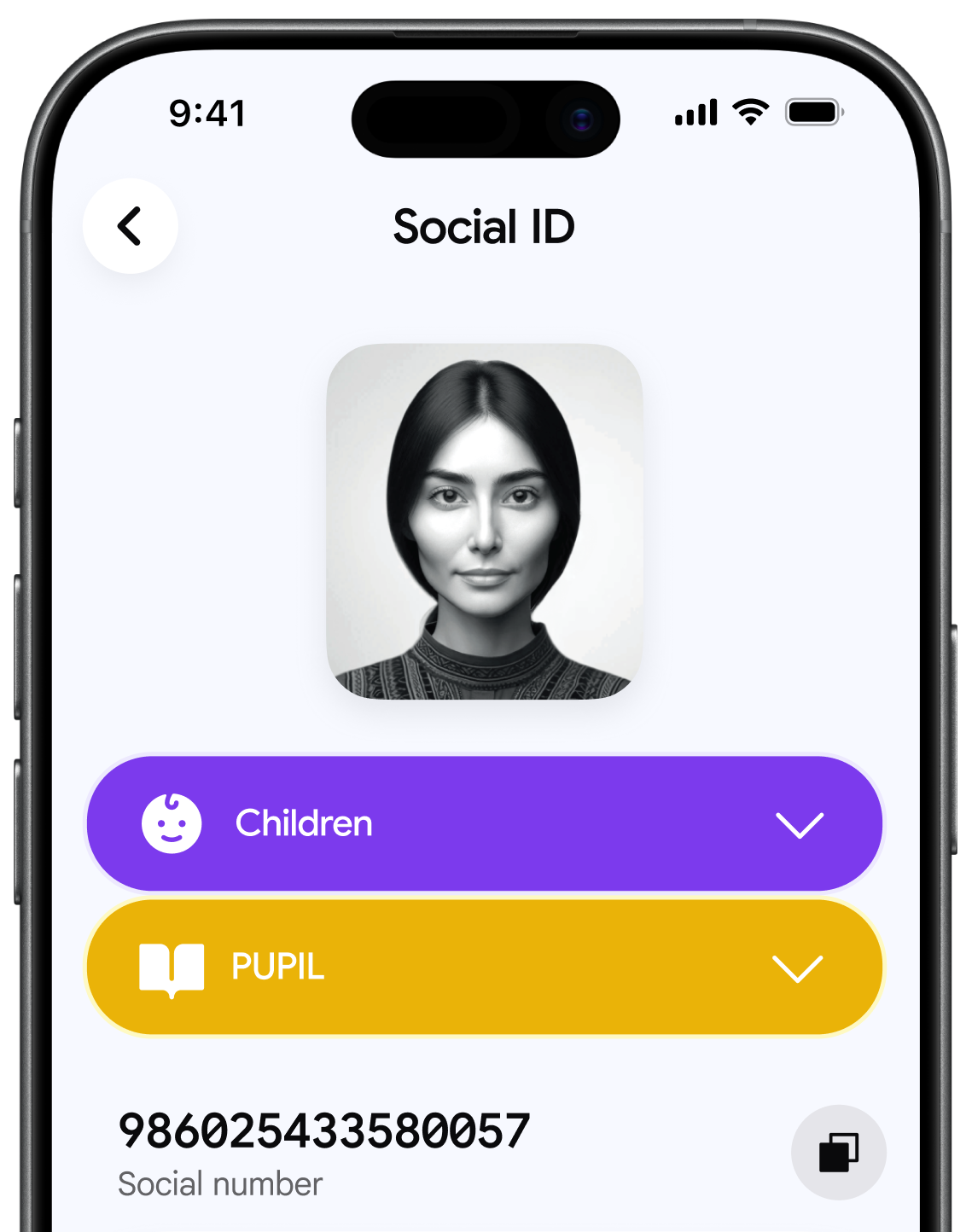

15 digits
Assigned only to you.

Automatically
Your Social ID and QR code appear as soon as you open a Baraka card.

Check your category
Tap your Social ID or QR code to see your social category status.
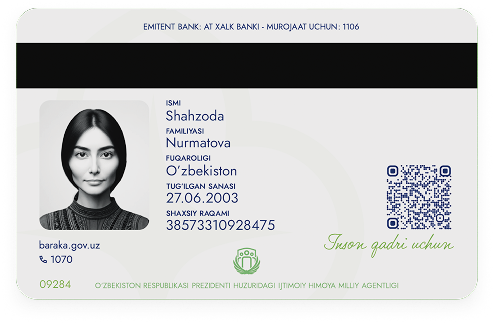
The same QR on the back.
It works exactly like the QR code in the app. Image: the card back
Use it instead of paper document
Show your Social ID wherever papers about your social category are usually required.
 Government offices
 Social service centres
 Schools
 Universities
 Hospitals
 Public transport
How the QR code works
At government offices, with transport inspectors or at medical centres.
Show your QR code
In the Baraka app or on the back of your card.
Let staff scan it
Or they read it with a verification device.
Your identity is confirmed
The system checks it quickly and accurately.
Only authorized staff can scan your QR code. It is not used for payments or other financial transactions.
Update your profile in the app
Open your Social ID in the Baraka app and tap "Update Category". Your profile updates right away.
